

Nothing lost
Digital tickets can’t be dropped, and cleared orders can be recalled.
Kitchen screens
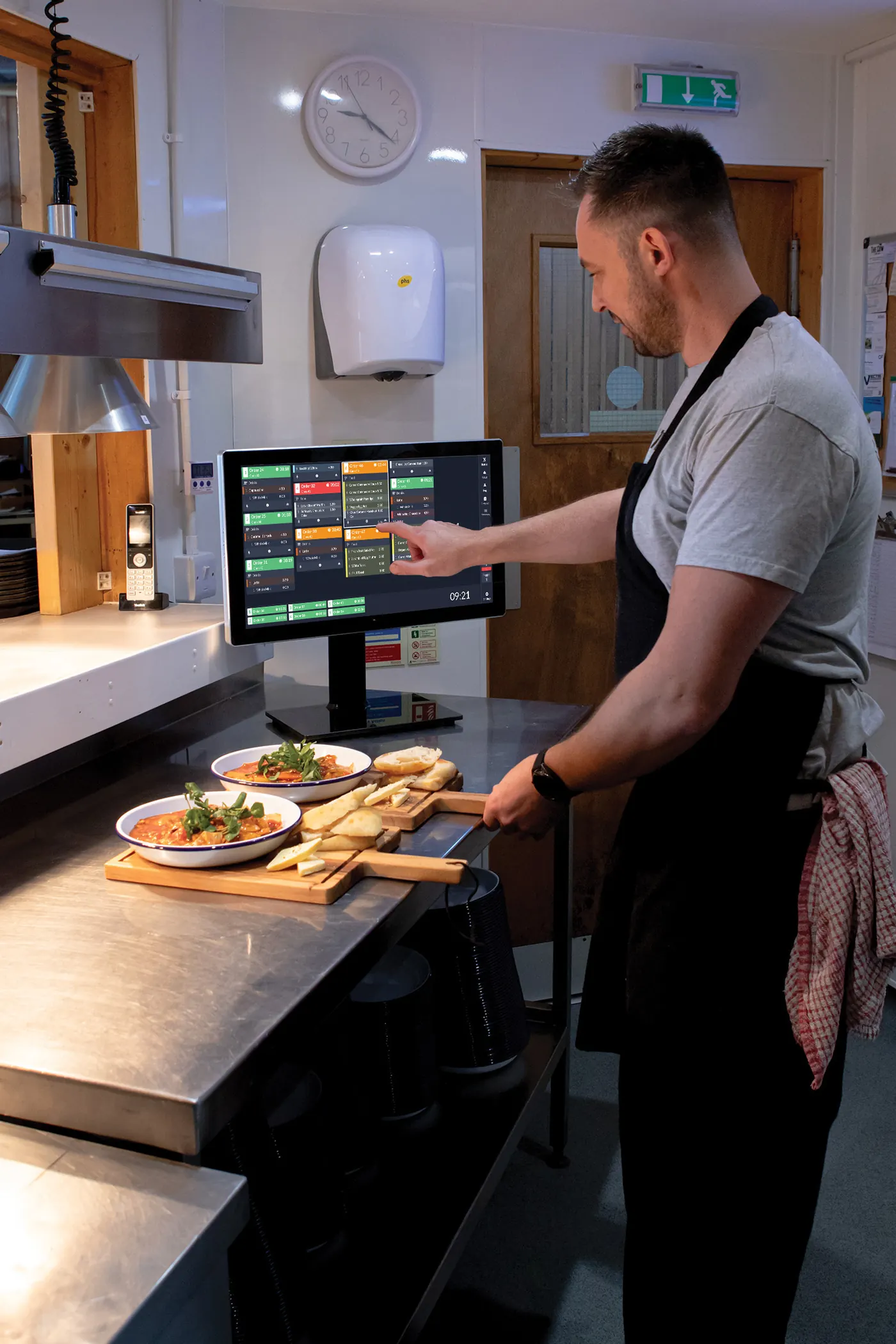
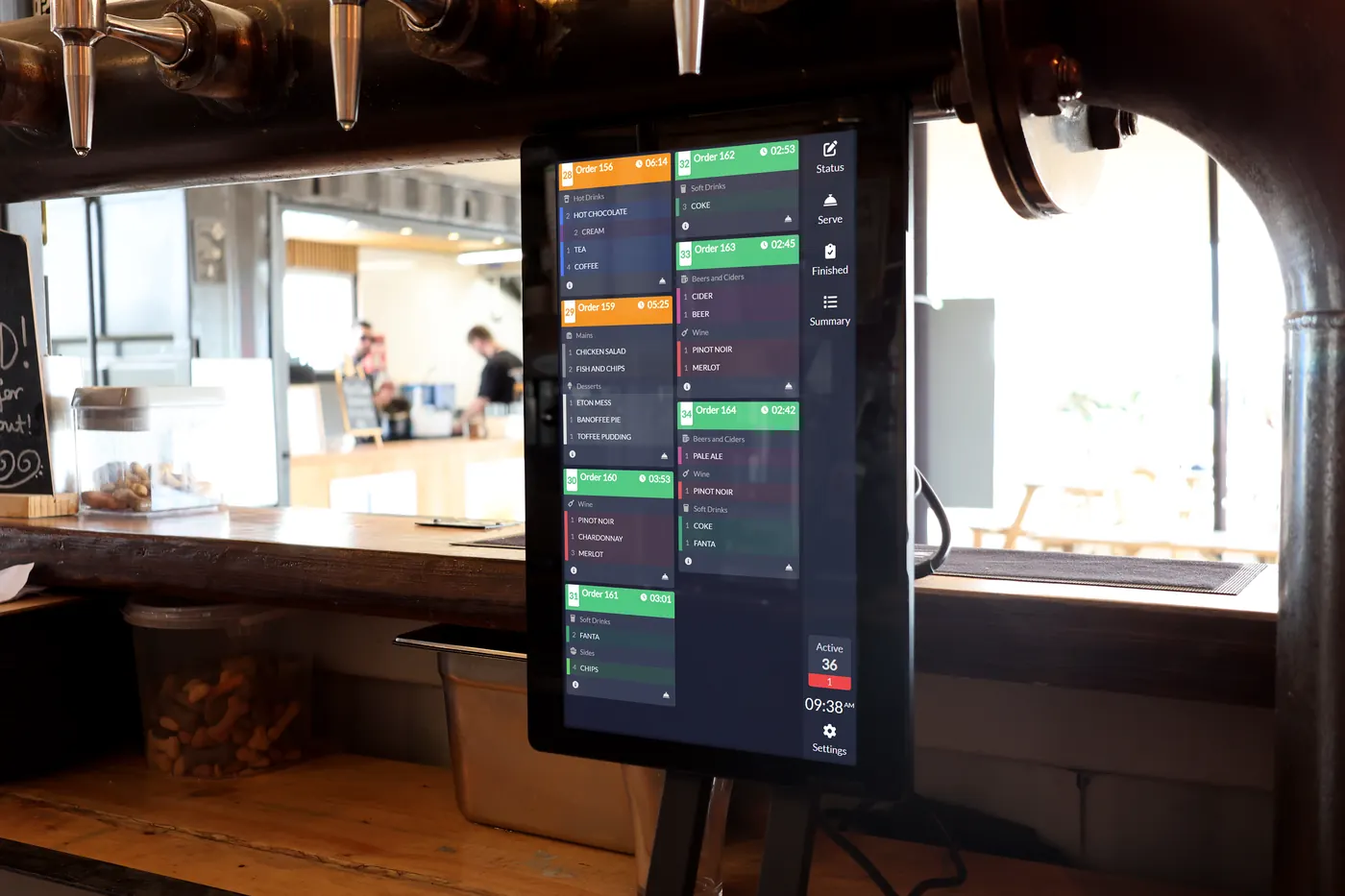
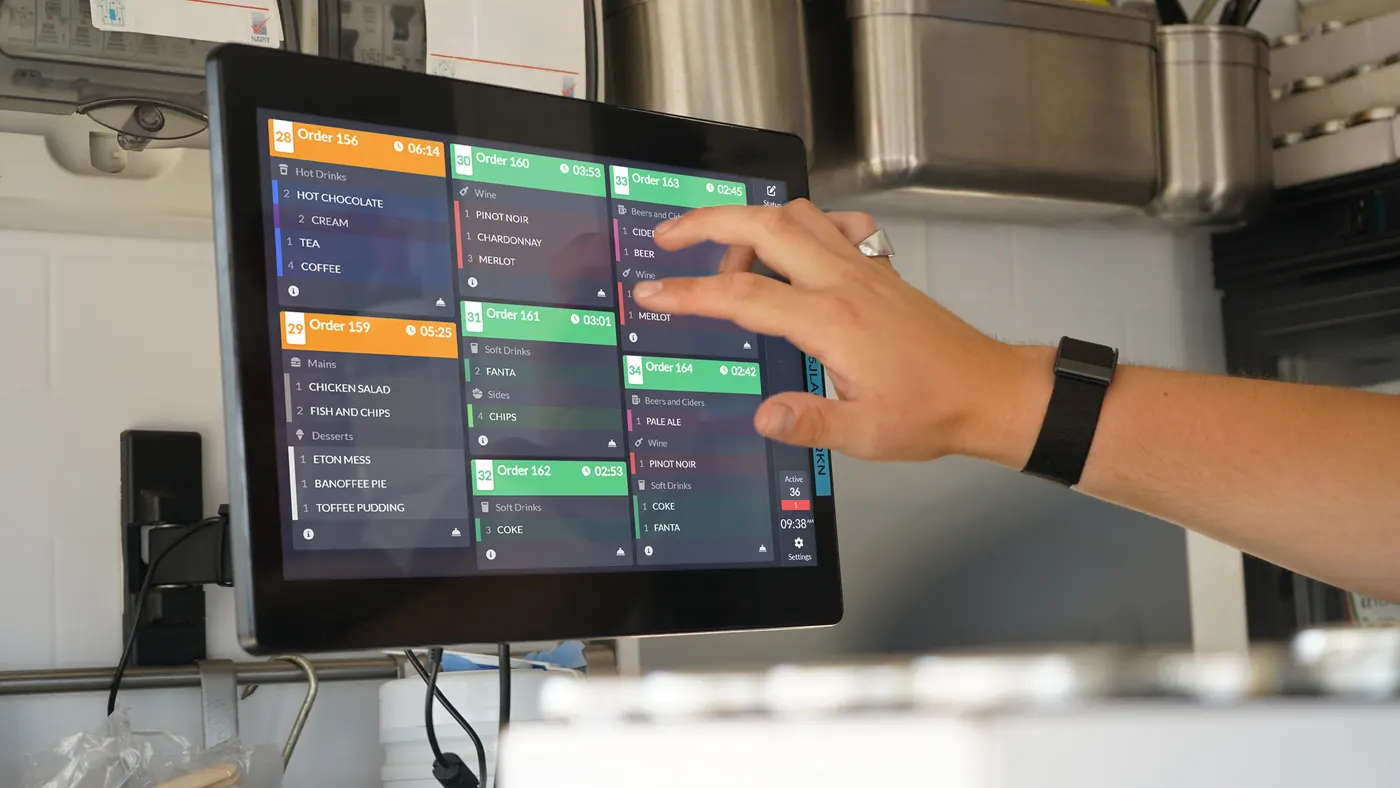
Every order, from starter to dessert, on a clear kitchen screen instead of paper. Sort, peg and recall orders, with timers so nothing is forgotten.
+44 (0) 2890 991 247Mon–Fri 9am–5.30pm
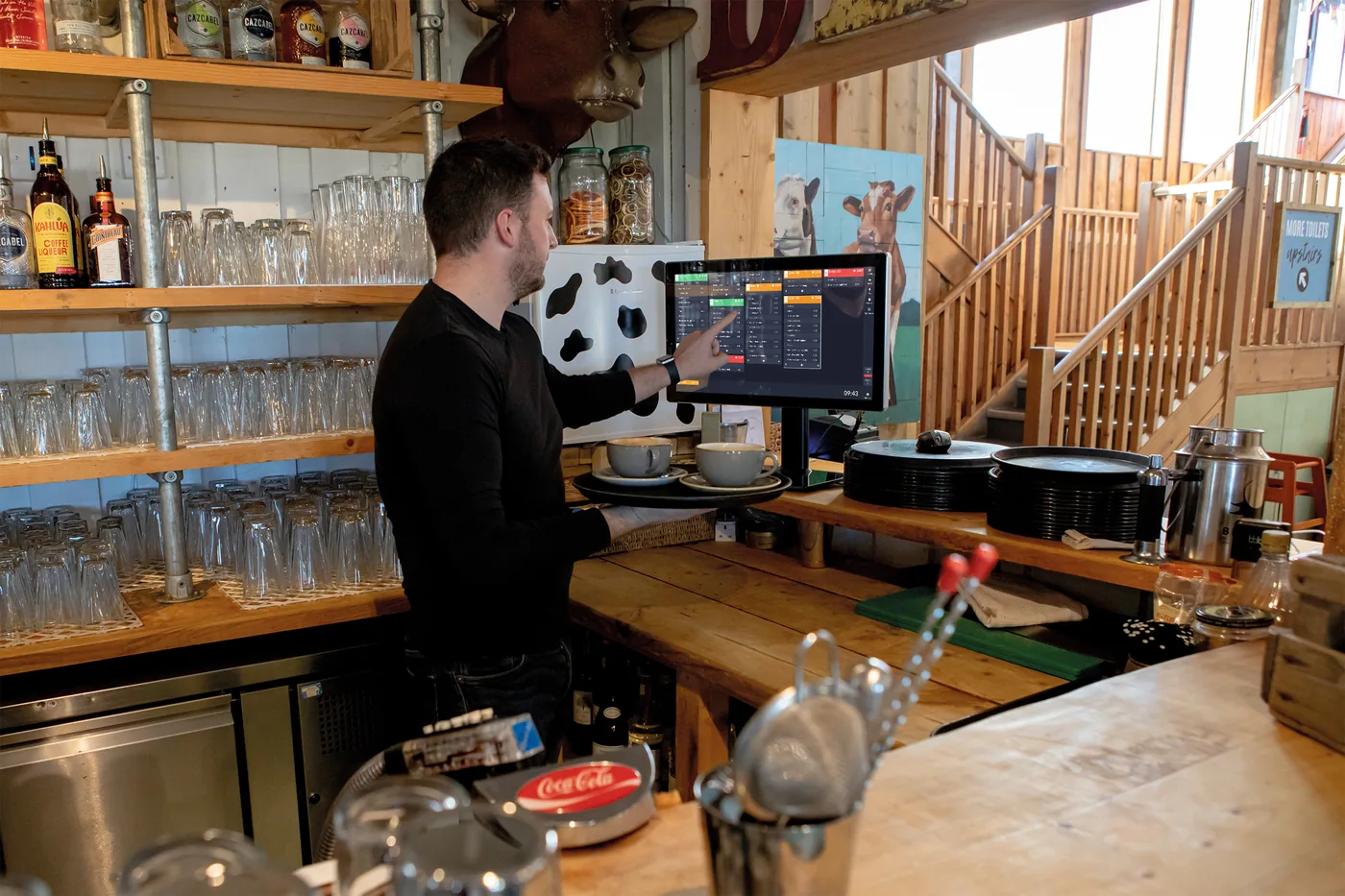
In short: kitchen screens replace paper tickets, so orders can’t be lost, misread or trampled. ICRTouch has TouchKitchen, Yes!Sensei has a kitchen display built in, and Boss It runs from order to kitchen.
Digital tickets can’t be dropped, and cleared orders can be recalled.
Cook timers take out the guesswork and show what’s next.
View, sort and peg orders between courses, and alert staff when food is ready.
Chefs see how many portions of each item are coming.
A bump bar makes screens easy to use in hot, greasy kitchens.
Link to a collection screen to show when orders are ready.
We’re independent and sell four EPOS systems. Here’s how they handle it.

Kitchen display built in, with orders routed to the right station.

Order to kitchen in one platform, alongside delivery and stock.
Using a different system, or not sure? Ask us and we’ll tell you what it can do.
What owners ask us about this.
Yes. You can use screens, printers or both.
Yes. Cleared orders can be brought back.
Yes. Orders from tills, handhelds, kiosks and online all appear on the kitchen screen.
It depends on how many tills, handhelds and screens you need, and which system suits you. Our EPOS cost guide explains what drives the price, and a free demo gets you a clear quote.
Book a free demo. We'll show you the set-up that fits, answer every question, and give you a clear quote.
+44 (0) 2890 991 247Mon–Fri 9am–5.30pm
