


Pubs, bars, restaurants, hotels and venues
Fast tills, handhelds, kitchen screens, kiosks and reporting that all work together.
EPOS for restaurants
Table plans, handheld order pads, kitchen screens and card payments at the table. Set up for how your restaurant works and supported by our Belfast-based team.
+44 (0) 2890 991 247Mon–Fri 9am–5.30pm
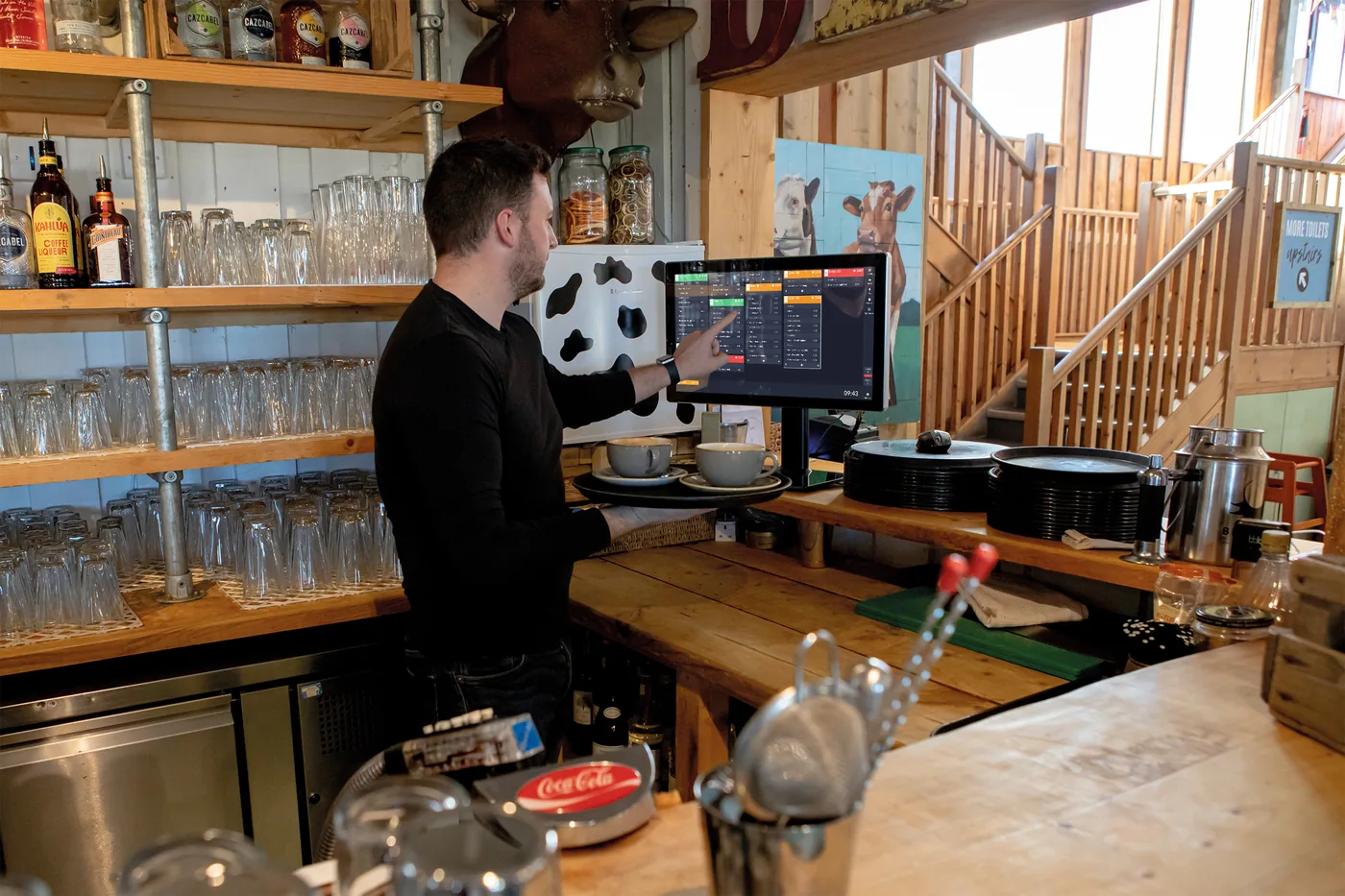
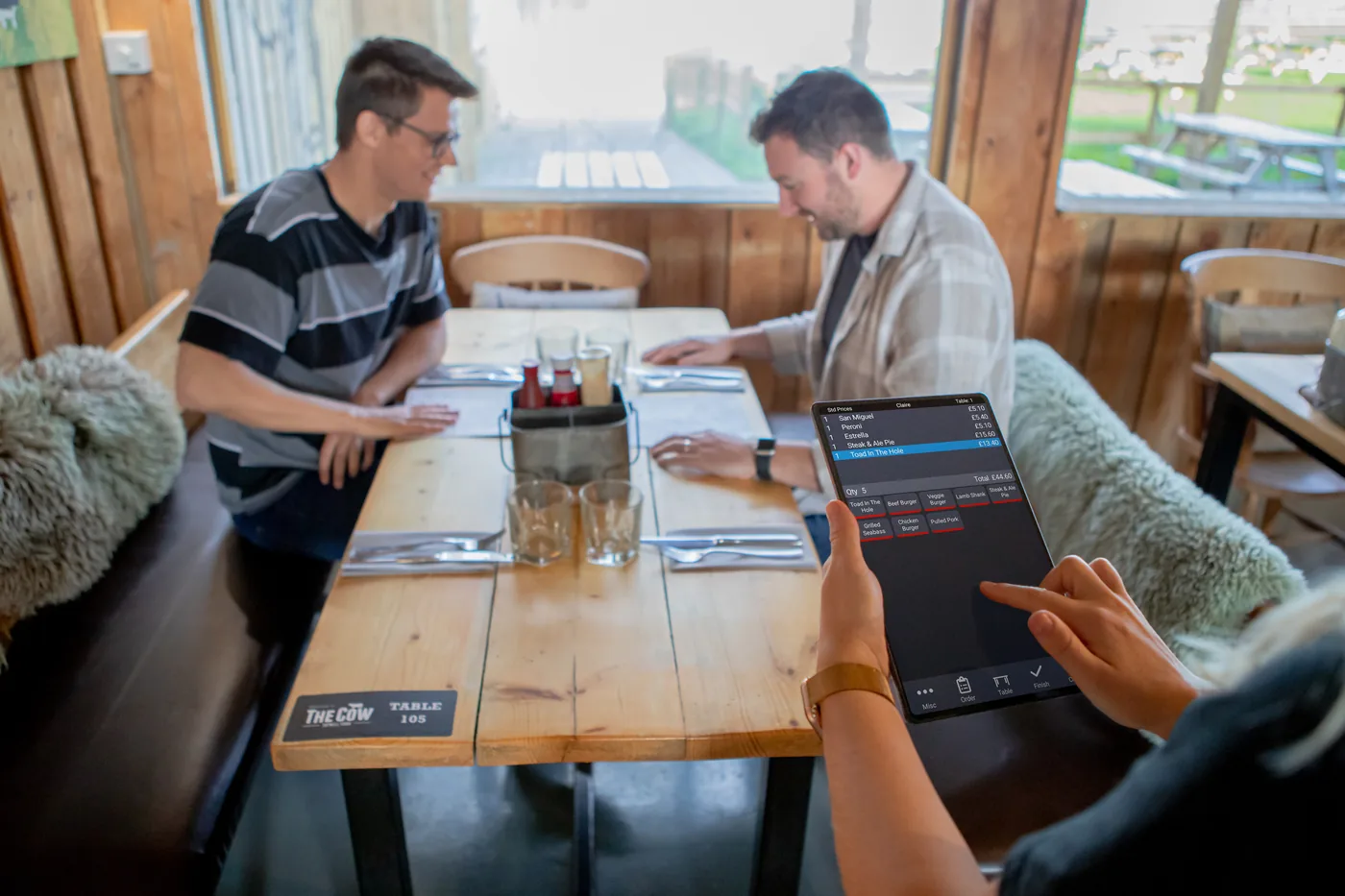
In short: for most restaurants we recommend ICRTouch: a till with a table plan, PocketTouch handhelds, a TouchKitchen screen and a card machine at the table. Restaurant groups with three or more sites should also look at Boss It.
Most of the restaurants we look after start here, then add bookings, kiosks or online ordering.
From the order pad to the pass.
We’re independent and sell four EPOS systems. For restaurants, these two fit best.
Pubs, bars, restaurants, hotels and venues
Fast tills, handhelds, kitchen screens, kiosks and reporting that all work together.

Groups with three or more sites
EPOS, ordering, delivery, stock, staff rotas and reporting in one platform, built for multi-site hospitality.
Whether you run a bistro, a café-restaurant or a chain, the system keeps service moving.
See stock on screen and stop selling a dish when it runs out, ideal for limited daily specials.
A handheld counts stock, scans barcodes, checks deliveries and prints labels, then updates your back office.
Fast card, contactless and online payments, with Dojo or Teya linked to the till.
Take table bookings online around the clock, straight into your system.
Check sales, change prices or run reports from your phone or laptop.
Let customers order and pay from their own phone at the table.
The questions restaurant owners ask us most.
For most restaurants we recommend ICRTouch, with a table plan, handhelds and a kitchen screen. Groups with three or more sites should also look at Boss It. We’re independent, so we recommend what fits.
Yes. Orders from the till or handhelds appear on a kitchen screen or printer, with timers so nothing is forgotten.
Yes. Staff can take payment at the table with a handheld or a Dojo or Teya card machine linked to the till.
Yes. Online table bookings go straight into the system, even when you’re closed.
It depends on how many tills, handhelds and screens you need, and which system suits you. Our EPOS cost guide explains what drives the price, and a free demo gets you a clear quote.
Yes. We install and train across Northern Ireland, and look after businesses in the Republic of Ireland and Great Britain too, with Belfast-based support 24/7.
Book a free demo. We'll show you the set-up that fits, answer every question, and give you a clear quote.
+44 (0) 2890 991 247Mon–Fri 9am–5.30pm